
Fashion & Lifestyle
Manage your fashion business and sell online.
Show your collections online, organise each style by its sizes and colours, and keep orders, stock and customer records connected with KhataBhai.

Cotton Kurta
Your store · item page
₹1,299
Colour: Indigo
Size: M
Few left
Add to cartSound familiar?
What fashion & lifestyle owners tell us, and how KhataBhai handles each one.
- Stock by size and colour is a spreadsheet nobody trusts.
- KhataBhai: Each size and colour is a choice on one item, with its own stock and, if you like, its own price.
- Photos and prices are sent one by one on WhatsApp.
- KhataBhai: Share one store link: up to 8 photos per item, and customers pick their size and colour themselves.
- Slow stock isn't noticed until the season is over.
- KhataBhai: Reports show your top items and the stock that isn't moving, while there's still time to act.
Sizes and colours, each with its own stock
Add a style once and list its sizes and colours as choices. Each choice keeps its own stock, and the store won't take an order for a choice that's sold out.
- Colours as swatches, sizes as labels, or a photo for each choice
- Stock moves with every invoice and purchase
- Low stock alerts before a size runs out
Cotton Kurta · stock by choice
Your KhataBhai · Items
- Indigo · S12 in stock
- Indigo · M3 in stock
- Indigo · L9 in stock
- Indigo · XLOut of stock
- Rust · M7 in stock
Each sale takes stock from the size and colour sold.
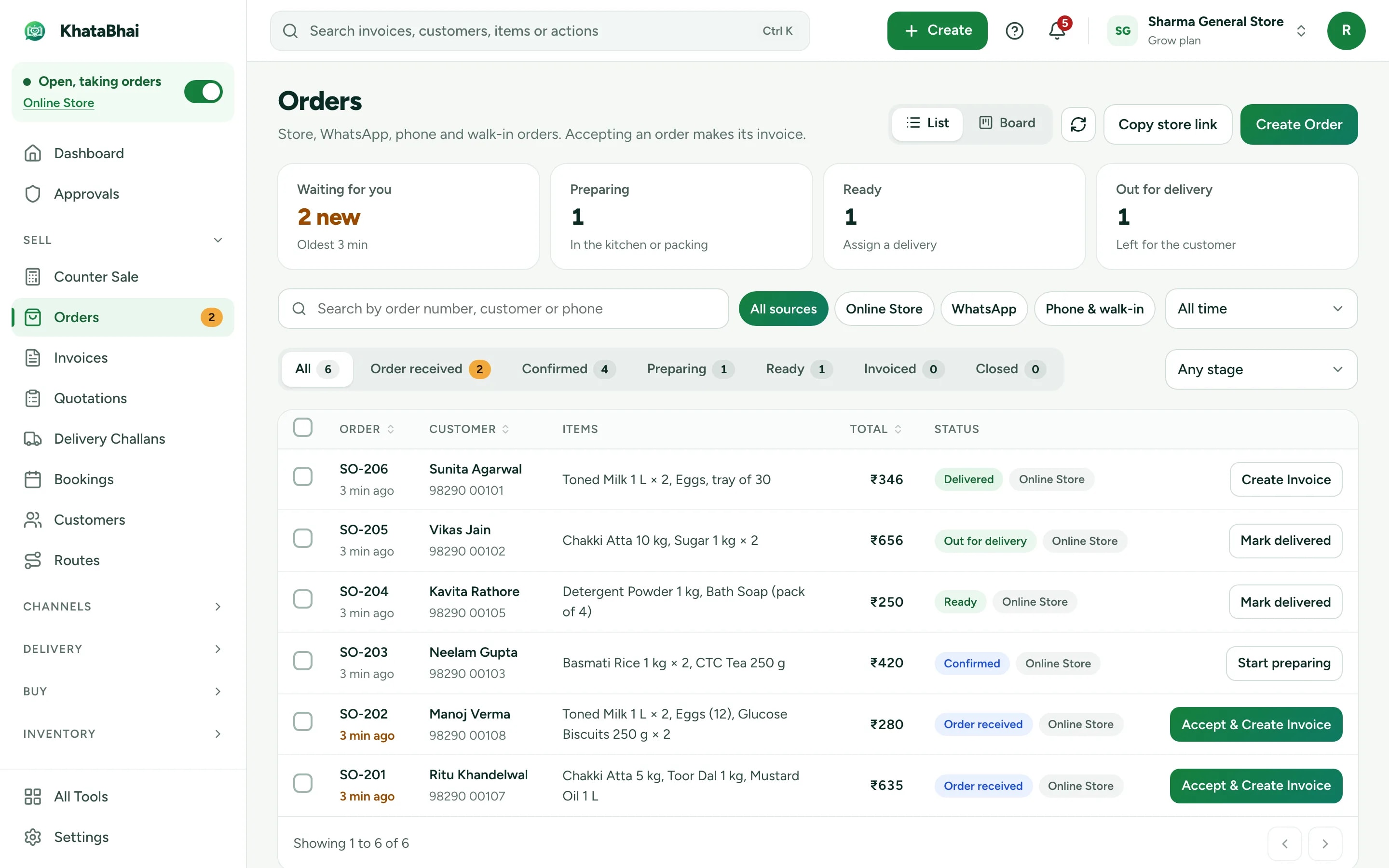
Online orders go straight into your books
A store order reaches you as a Sales Order with a WhatsApp alert. Accept it and create the invoice in one step: stock and the customer's record update with it.
- Delivery or pickup, whichever you offer
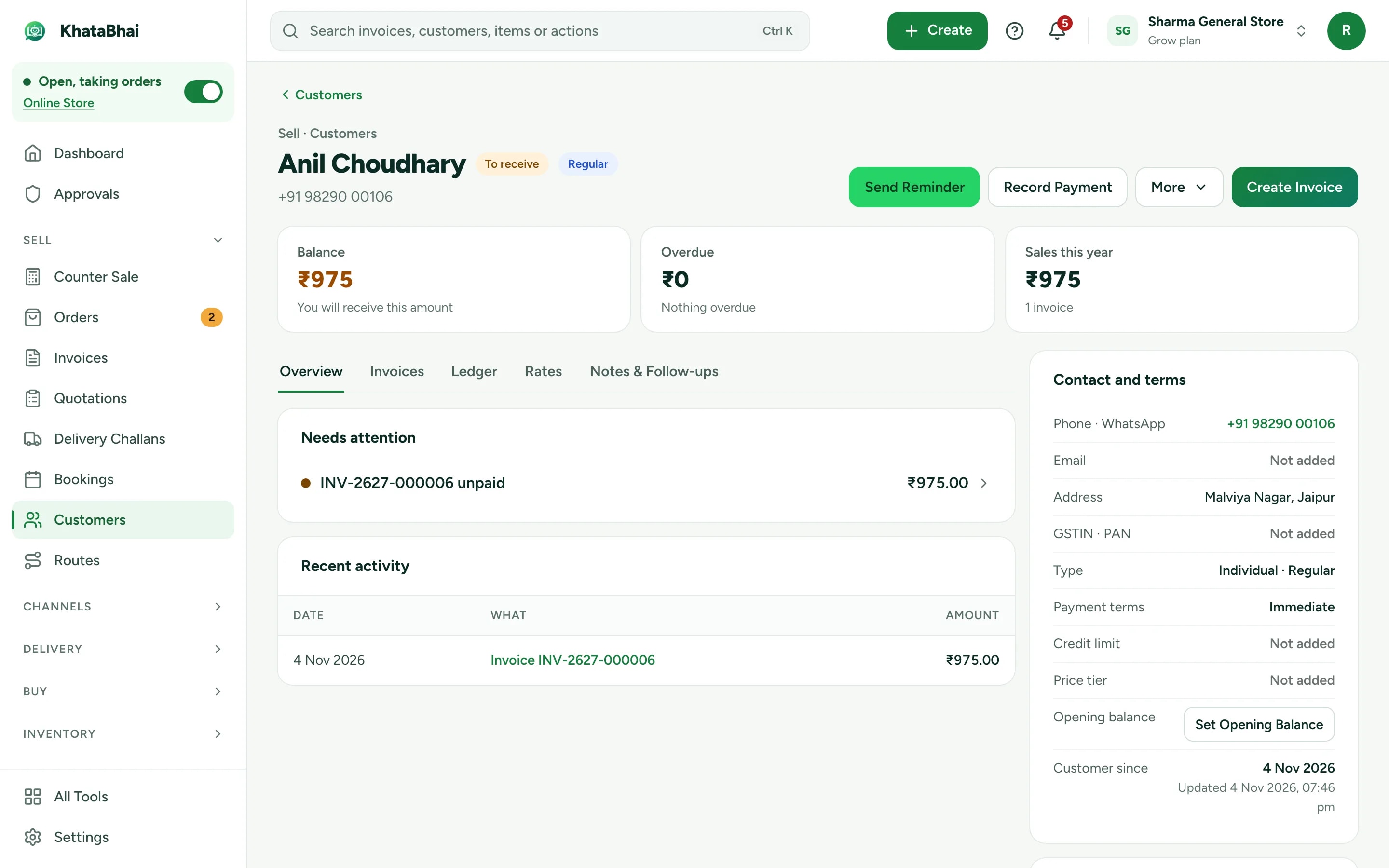
- The customer saved with their orders and invoices
- Your store link and online orders are on Essential and above.
Store designs made for fashion & lifestyle: Editorial Fashion, Premium Minimal, Bold Lifestyle. Preview any of them before you publish.
Bring customers back for the next collection
See what each customer bought and when, and give them a reason to return.
- Coupons and promotions at checkout (Essential and above)
- New arrivals sent from your own WhatsApp number (Grow and above)
- Loyalty points redeemed on a future bill
A normal day in KhataBhai.
- 1
A new collection arrives: enter the purchase, and stock goes up for each size and colour
You - 2
Add photos, and the styles show in your store
You - 3
A customer orders an Indigo kurta in M from your store link
Your customer - 4
You accept the order and create the invoice in one step
You - 5
Stock for Indigo M goes down
Automatic - 6
The order goes out for delivery, or is picked up
You - 7
The payment is recorded, and the customer's history shows what they bought
You
Getting started
Sign up with your phone number and add your items. For a fashion & lifestyle business, most owners start with Items with sizes and colours, Online Store and Promotions, and turn on the rest when they need it.
Sign up with your phone number
On the web or on WhatsApp. You confirm with a code sent on WhatsApp, no password.
Add your items and customers
One by one, or import an Excel or CSV file. Add opening balances too.
Create your first invoice
On the web or by message. Share the PDF on WhatsApp.
Turn on your Online Store
Pick a design, choose delivery or pickup and share your link. Online orders land in the same records.
FAQ
Questions, answered.
More in the help centre, or ask us on WhatsApp.
Can each size have its own stock and price?
Yes. Each choice keeps its own stock, and can have its own price.
Can I send new arrivals to my customers?
Yes. Broadcasts send a message to your customers from your own WhatsApp number, which comes with Grow and above.
Which plan do I need for the Online Store?
Your store link and online orders are on Essential and above. Billing, stock and customers work on every plan, including Free.